
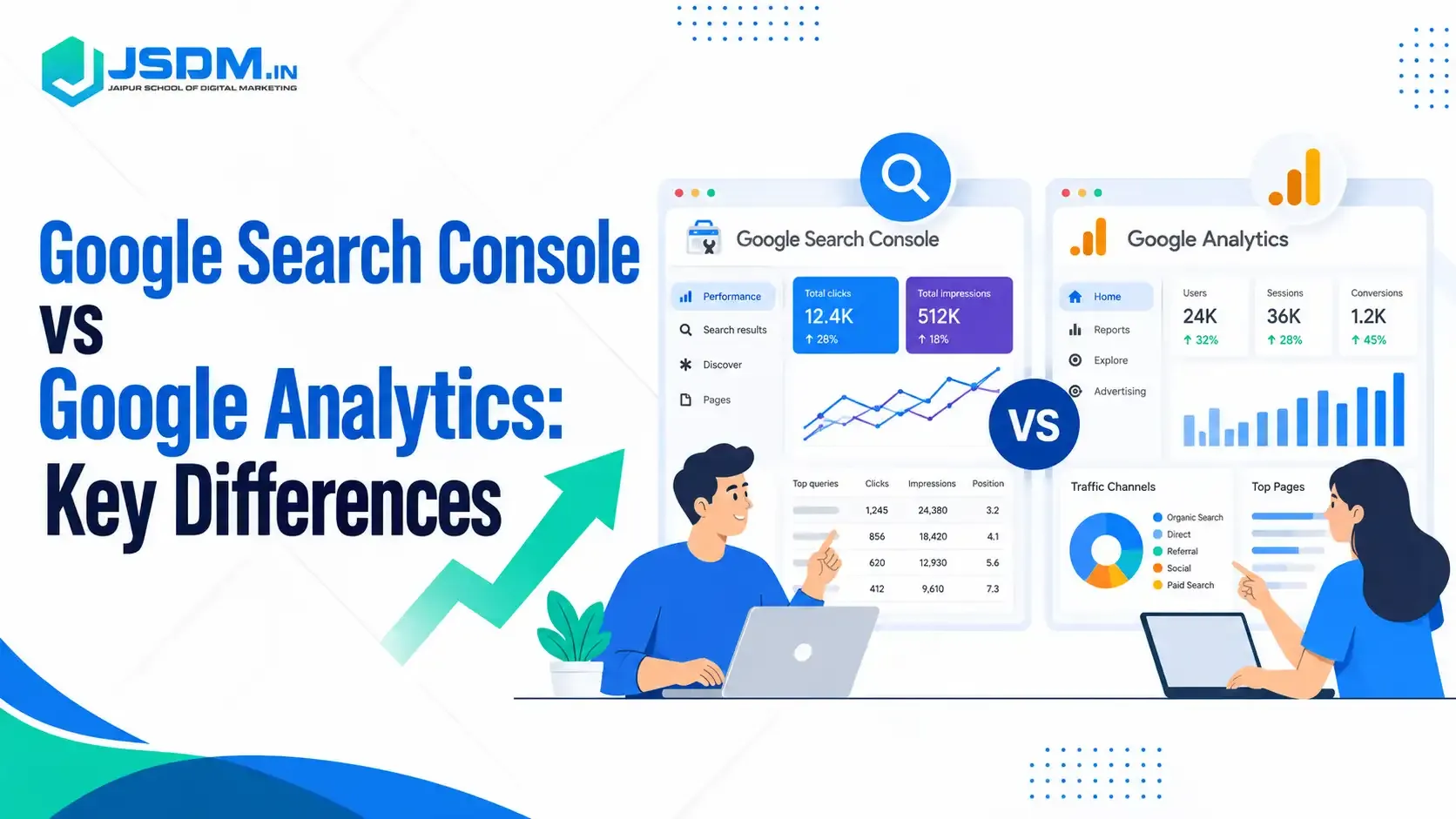
Google Search Console vs Google Analytics comes down to one thing: when you look. Search Console shows what happens before someone clicks your page on Google. Analytics shows what they do after they land. Every good digital marketing course teaches both, because you need both to read your website properly.
If you are learning at a digital marketing institute, or on your own, you will open these two tools almost every week. Both report on pages, countries and devices. Both are free to start with. That is why beginners mix them up. Below, we cover each tool, the main differences, why their numbers never match, and how to use them together.
What Is Google Search Console?
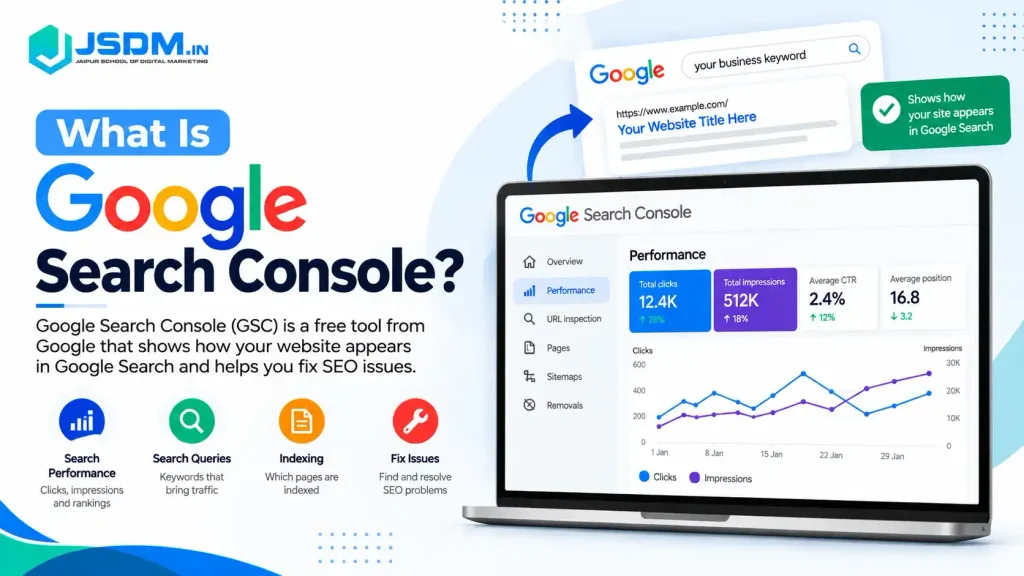
Google Search Console (GSC) tells you how your website appears in Google Search. Google describes it as a free service that shows how often your site appears in search and how often people click through.
You do not add a tracking code to use it. You only prove that you own the site. Google allows a few ways to do this, such as an HTML tag, a DNS record, Google Tag Manager or your Analytics tag.
Here is what you get inside it:
- Impressions: how often your page showed up in search results.
- Clicks: how often people clicked it.
- CTR (click-through rate): clicks divided by impressions.
- Average position: where your page usually ranks.
- Queries: the searches that showed your pages.
- Indexing and sitemaps: whether Google can find, crawl and index your pages.
One limit: Search Console covers Google’s search surfaces only, not Bing or other engines. It also keeps only about 16 months of performance data, so export your reports regularly if you want to compare year-on-year trends.
What Is Google Analytics?
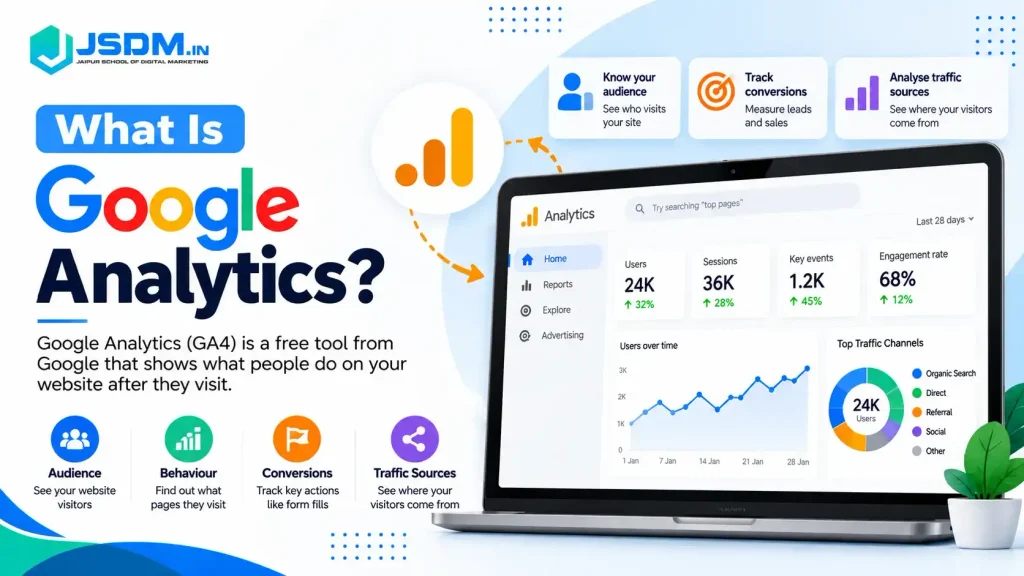
Google Analytics measures what happens on your website after people arrive. Today that means Google Analytics 4, also called GA4.
GA4 works through a tag, which is a small piece of code on your pages. It records activity such as page views, sessions and events. This is the main thing to remember. GA4 shows what its tag captures. If a page has no tag, or a visitor says no to tracking, that visit may not appear.
Here are the terms you will see most:
- Users and sessions: how many people visited and how many visits they made.
- Engagement rate: the share of sessions that were engaged. Google counts a session as engaged if it has a key event, lasts longer than 10 seconds, or has 2 or more page views.
- Key events: actions you care about, such as a form fill or a purchase.
- Traffic sources: where visitors came from, such as search, social, email or direct.
Google Search Console vs Google Analytics: Key Differences
Use this table when you need a quick answer.
| Factor | Google Search Console | Google Analytics 4 |
| Main purpose | Measures performance in Google Search | Measures activity on your website or app |
| Key question | How do people find my site on Google? | What do they do after they arrive? |
| Main metrics | Clicks, impressions, CTR, average position | Users, sessions, engagement rate, key events |
| Data comes from | Google’s search data | Your site’s tag and setup events |
| Search queries | Shows query data for your pages | No full query report of its own. Queries appear only after you link Search Console |
| Indexing reports | Yes | No |
| Other search engines | Google only | Can show traffic from many sources, if tracked |
| Best used for | Search visibility and SEO checks | Visitor behaviour and conversions |
A simple way to remember it: Search Console is the shop window. Analytics is the shop floor.
Where the Two Tools Overlap
Both tools report on landing pages, countries and devices. So it feels like they should match. They do not.
A Search Console click is a click on a Google result. A GA4 session is a visit that the tag recorded. A person can click your result and leave before the tag loads. That click counts in one tool and may be missing in the other. Google describes GSC clicks and GA4 sessions as the closest comparable metrics.
Why Your Numbers Do Not Match
The two tools count different things in different ways, so the numbers will never match exactly. Small gaps are normal. What matters is that both lines move in the same direction.
Tracking differences
- The GA4 tag may be missing on some pages. Search Console does not depend on a tag, so it still counts those clicks.
- Visitors who decline tracking consent are left out of Analytics, or only partly counted if you use Consent Mode.
Reporting differences
- Search Console uses Pacific Time by default and you cannot change it. In Analytics, you set your own time zone.
- Analytics uses attribution models to decide which channel gets credit. Search Console simply counts every click. It also hides some rare queries to protect user privacy.
Search reporting differences
- Search Console reports the canonical URL, which is the main version of a page. Analytics reports whichever URL carried the tag, so it can show more URLs.
A gap of a few percent is normal. Do not chase exact matches. Compare trends over time. If the two lines suddenly move apart, check your tag, consent setup, and time zone first.
How to Link Google Search Console to Google Analytics
Linking is worth five minutes. It brings Search Console data into your GA4 reports, so you can see queries and landing pages in one place.
You need two permissions. You must be an Editor on the GA4 property and a verified owner of the Search Console property.
- Open Admin in GA4. Under Product links, click Search Console Links.
- Click Link.
- Click Choose accounts and pick the account that holds your verified site.
- Click Confirm, then Next.
- Select the web data stream for your site, then click Next.
- Review your settings and submit.
A web data stream can link to only one Search Console property. You cannot edit a link later. You must delete it and make a new one.
After linking, look for two reports: Google Organic Search Queries and Google Organic Search Traffic. They are unpublished at first. Publish them from Library in the left menu. Data shows up after about 48 hours.
How to Use Both Tools Together: A Simple Example
Say you want more people to read one blog post. Here is how an experienced marketer would work through it.
Case 1: Many impressions, few clicks. Open the Performance report in Search Console. Find the page and look at its queries. Does the page match what people searched for? Is the title clear? Fix the title or snippet, then watch the CTR over the next few weeks.
Case 2: Good clicks, weak engagement. Now open GA4 and look at that same landing page. If visitors arrive but few stay engaged, the page may not answer their question, may load slowly, or may not say what to do next. Improve the opening and the call to action.
Search Console told you the page was being found. Analytics told you what happened next. Neither could solve it alone.
Do not use fixed rules like “CTR must be above 3%”. Good numbers depend on the type of query, the rank, the device and the goal of the page.
Common Mistakes to Avoid
- Missing tags: Check that the GA4 tag sits on every page, not only the home page.
- No Search Console verification: Without it, you get no search data at all.
- Expecting exact matches: Clicks and sessions measure different things.
- Old terms: Skip guides built for Universal Analytics. Look for engagement rate and key events, not goals.
Conclusion
Search Console helps you understand how people find you on Google. Analytics helps you understand what they do after they arrive. Link the two, check your tags and compare trends, not exact numbers. If you are building a career in this field, a hands-on digital marketing course helps you practise both tools on real data.
About JSDM
JSDM is a digital marketing training institute in Jaipur, with offline and online classes. We bring 15+ years of experience in digital marketing, have trained 3000+ students and offer 35+ certifications. Our courses cover SEO, search engine marketing, social media marketing, social media optimisation, video editing, website development and AI-led digital marketing. Want to learn these tools hands-on? Contact JSDM.
FAQs
Q1. What is the difference between Google Search Console and Google Analytics?
Ans: Search Console shows how your site performs in Google Search before the click. Google Analytics shows what visitors do on your site after the click.
Q2. Do I need both Google Search Console and Google Analytics?
Ans: Yes, for most sites. Search Console helps with search visibility and indexing. Analytics helps with behaviour and conversions. Together they show the full path.
Q3. Can Google Analytics show organic search keywords?
Ans: Not on its own. GA4 does not give a full query report. After you link Search Console, you can see search queries in the Google Organic Search Queries report inside GA4.
Q4. Why are Search Console clicks different from GA4 sessions?
Ans: They measure different things. Gaps come from tag coverage, consent, time zones, attribution and URL counting. Small gaps are normal. Watch the trend, not the exact number.
Q5. Are Google Search Console and Google Analytics free?
Ans: Search Console is free. Google Analytics has a free version, which is what most small and medium sites use. Both are enough to start learning with.